Setup
Set up your Linux IPTV box
Check what arrived, connect picture and power, join the network by the method in your paperwork, and activate a subscription only with the details UKTVUAE gives you for your order.
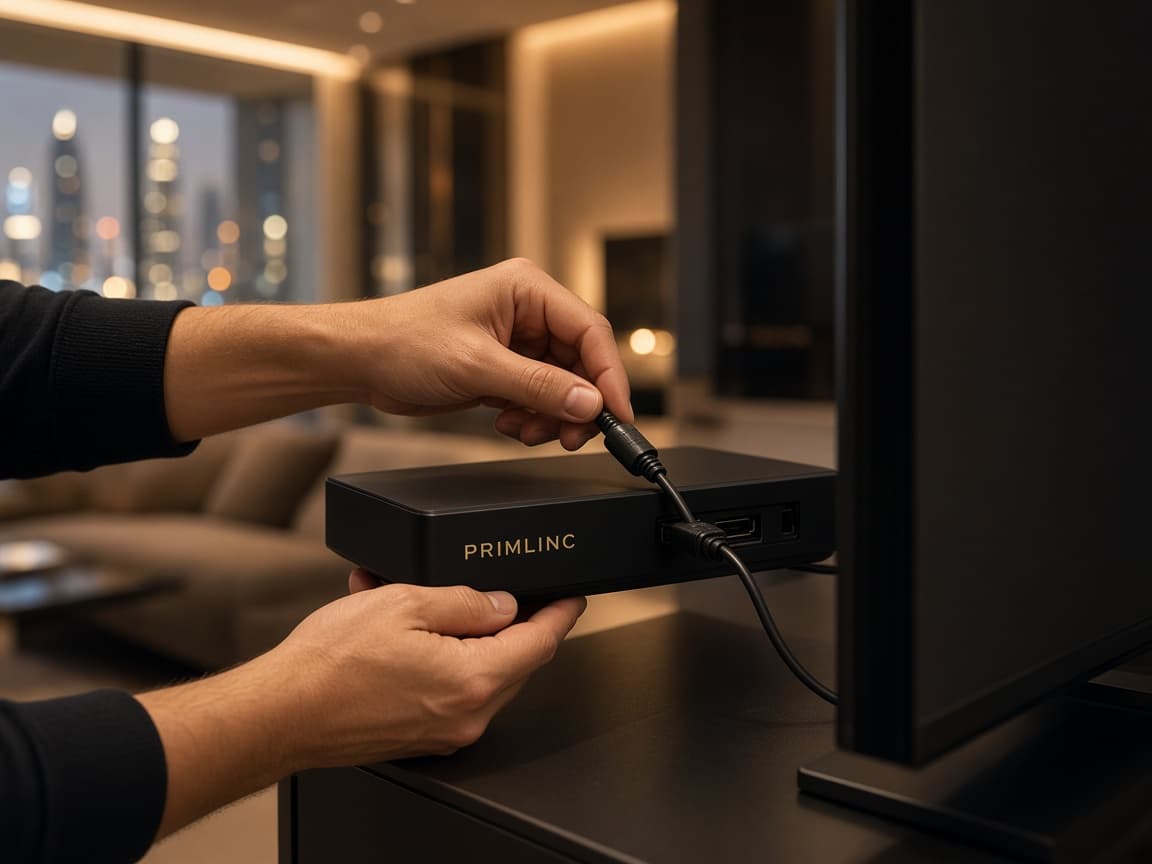
The 999 AED package includes installation at your home, and you can see the box first at Shop 102, Building 12, Naif Bazaar, Deira. Exact menu names are not published because the manufacturer and model are not confirmed. Where a step depends on a port or a menu, use your paperwork or ask, rather than copying settings from another brand of box.
1. Check the parcel
Compare the contents with the packing list on your quote. If a remote, cable, or power adapter was promised and is missing, contact UKTVUAE before you improvise.
2. Place the box
Put it near the television, on a firm surface, with space for air. Keep it away from enclosed cabinets and from places that get wet.
3. Connect the picture
Use the cable type named for this model. If the port has not been confirmed in your paperwork, stop and ask. Do not force a connector.
4. Select the television input
On the television remote, choose the input that matches the socket you used. A blank screen is often the wrong input rather than a faulty box.
5. Connect power
Use the supplied adapter only. Plug it into a working socket and switch the box on if it has a power control. Note whether any light comes on.
6. Join the network
Use Ethernet or Wi-Fi only if your quote says that method exists. If the menus are not described in your paperwork, ask support for the steps for your model instead of following a guide written for a different box.
7. Activate your own order
Contact UKTVUAE with the order reference if a subscription was part of the purchase. Enter only the details UKTVUAE gives you for that order. Ignore portal addresses, playlists, and passwords offered by anyone else.
8. Confirm the end date
Ask for the subscription end date in writing and keep it with the order. Renewal is a later enquiry. The box does not charge you by itself.
What to keep after setup
Keep the quote, the packing list, the order reference, and the subscription end date together. Photograph the label on the underside of the box once you know a label exists. If support later asks for a hardware identifier, you can send the photograph instead of moving the box. Do not post that identifier on a public forum.
The first evening is a test, not a judgement of every programme. Confirm power, picture, and that the service loads with your own order. If it loads, leave the wiring in place. If it does not, note the exact words on screen and use troubleshooting before you change television settings you will not remember.
Remote control
If a remote was included, point it at the front of the box and fit the batteries it requires. Battery type is not confirmed, so use the marking in the compartment. If no remote was included, do not buy a universal remote until support confirms the box can use one.
If something does not start
Note what you see: no light, a light but no picture, picture but no service, or a message you can read. Then use the troubleshooting page. Sending that description with the order reference is more useful than repeating the same cable swap.
What the home visit is for
The 999 AED package includes installation at your home, and you can ask for a free demonstration first. The visit is for the Primlinc Linux box on the television you actually use. Have the set switched on and the home internet working. In a tower, tell the shop if the installer must be named at reception. In a villa, say if there is a gate. The same visit is available outside Dubai. You can also see the box first at Shop 102, Building 12, Naif Bazaar, Deira, then book the home installation.
On the day, ask the installer to show power, picture, and the service loading on your own order. Ask for the subscription end date in writing, and ask for the warranty date as well. The first year of service is included. The hardware warranty is also 1 year. They may not fall on the same day, so write both down. The next year of service is 600 AED. Leave the cables as they were when the picture was steady. A later change of input on the television is the most common reason a working box looks blank the next evening.
What this guide will not ask you to do
It will not ask you to install unofficial apps, enter another provider’s portal, or change network settings to pretend you are in a different country. Activation belongs to the order you paid for. Compatibility limits are explained on the compatibility page. When the first year ends, continuation is the 600 AED renewal, described on the subscription page. Call 052 434 6367 if the paperwork never named the port.
Need the steps for your model?
If your paperwork does not name the ports or the network method, ask before you connect anything unusual.